
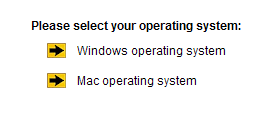
Select your operating system. For the purposes of this tutorial, we are using the Windows operating system option.
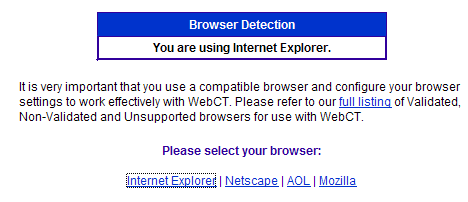
It should automatically detect that you are using Internet Explorer. WebCT supports IE best on the Windows platform. Netscape, and derivities of Netscape, such as AOL's browser, are prone to having problems. Under Pleaes select your browser, click on Internet Explorer.
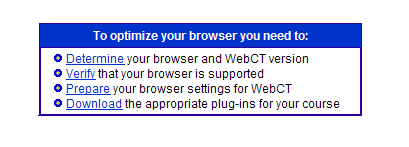
At the top are the four options. You can either scroll down the page to Prepare your browser settings for WebCT or just click on the Prepare link. Follow the steps described to prepare your browser.
Many of the settings are directly related to the version of the browser you have installed. You can determine the version by going to the menu bar of your browser and clciking on Help. Click on to the About Internet Explorer option.
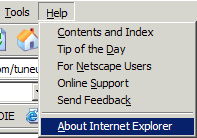
The screen that will appear will tell you the version number.
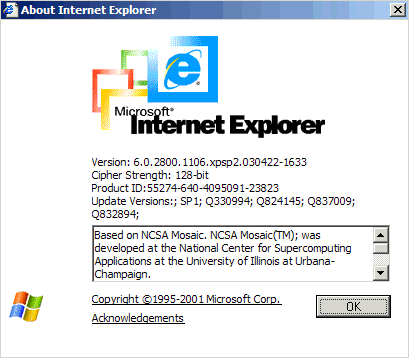
In this example, the version is 6.0.